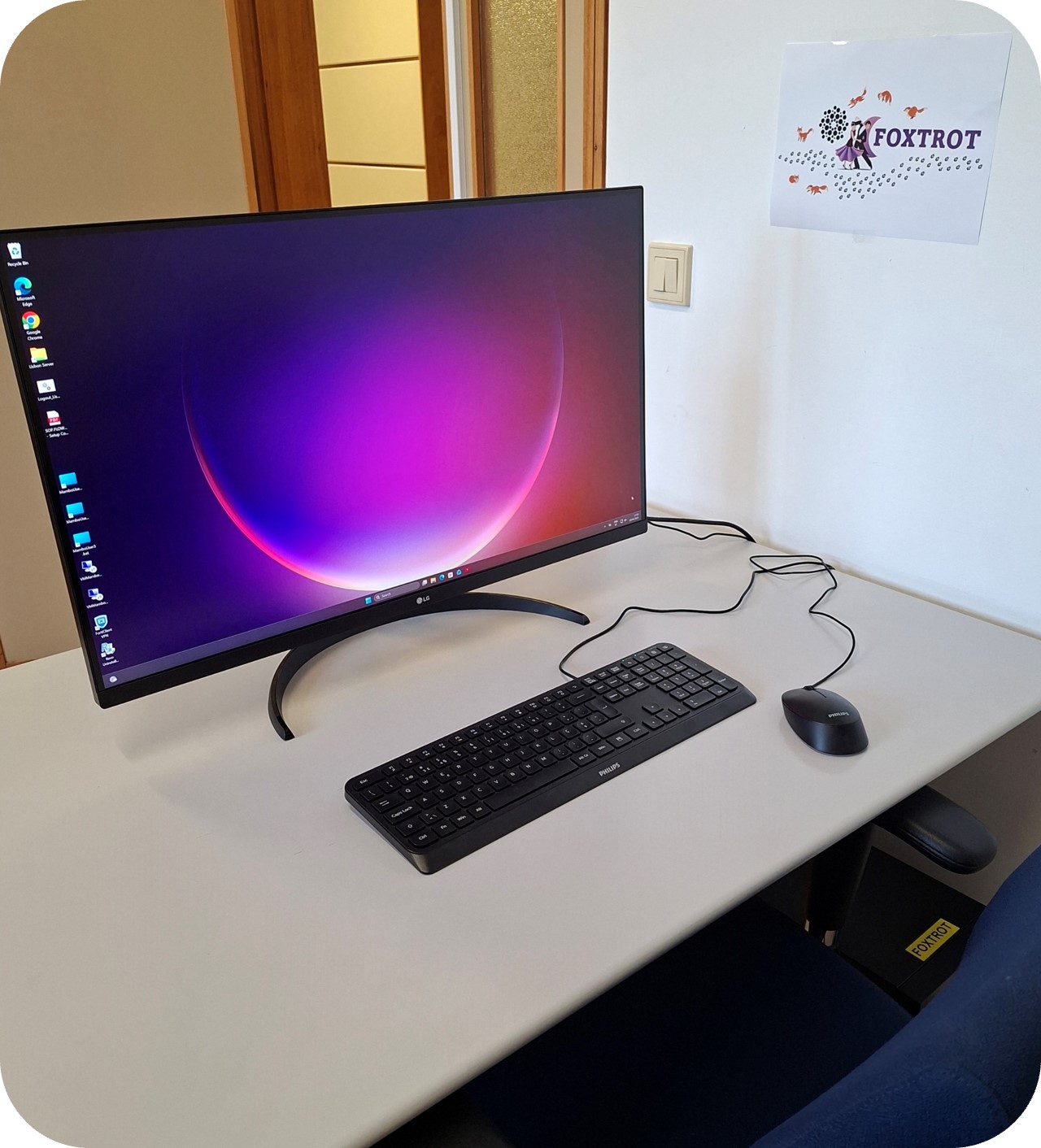
Location: Lisbon Site, P2-A-32
( 47222)

\\ \\ \\ Flow cytometry data analysis can be performed either __on-site at the **Foxtrot workstation** (available to all users)__ or __**remotely** (restricted to Lisbon GIMM users)__. \\ In all cases, **analysis is conducted within a Mambo Area**, where the required software is available (see table below). \\ \\ Remote users must reserve a Mambo Area via the Agendo Calendar, while on-site users are required to book both the Foxtrot workstation and a Mambo Area. Agendo Calendar links are provided in the table below. \\ \\ For detailed instructions on remote access to the Mambo Workstation, please refer to the following document SOP.FLOW.996 - Mambo Remote Workstation. \\ ^ Site ^ Physical Workstation ^ Working Area ^ Software ^ | Lisbon | Foxtrot | MamboUser1 | SpectroFlo | | ::: | ::: | MamboUser2 | SpectroFlo | | ::: | ::: | MamboUser3 | SpectroFlo and FlowJo | | ::: | ::: | VMMamboUser1 | FlowJo | | ::: | ::: | VMMamboUser2 | FlowJo, Cell Image Extractor and CellView Lens plugin | \\

Location: Oeiras Site, Bartolomeu Dias Wing,
( 4625)
Software: SpectroFlo, FlowJo, IDEAS

Flow cytometry data analysis can be performed either __on-site at the **Moonwalk workstation**__ or __**remotely**__. \\ In all cases, **analysis is conducted within a Tango Area**, where the required software is available (see table below). \\ \\ Remote users must reserve a Tango Area via the Agendo Calendar, while on-site users are required to book both the Moonwalk workstation and a Tango Area. Agendo Calendar links are provided in the table below. \\ \\ For detailed instructions on remote access to the Tango Workstation, please refer to the following document SOP.FLOW.999 - Tango Remote Workstation. \\ ^ Site ^ Physical Workstation ^ Working Area ^ Software ^ | Oeiras | Moonwalk | TangoUser1 | SpectroFlo | | ::: | ::: | TangoUser2 | IDEAS 6.4 | | ::: | ::: | TangoUser3 | FlowJo | \\ \\

Location: Oeiras Site, Bartolomeu Dias Wing,
( 4625)
Software: FACSChorus, FlowJo

The Samba is a high-performance data analysis workstation dedicated to the analysis of **BD FACSDiscover S8** flow cytometry data generated in BD **FACSChorus**. It provides the FACSChorus, enabling data analysis and experimental troubleshooting off-instrument, as well as the **Cell View Extractor Software**, **FlowJo** and the **Cell View Lens Plugin** for advanced analysis of images generated by the instrument. It is available free of charge, but please remember to book your session in advance through the Samba Agendo system. ===== Useful Links ===== * SpectroFlo Tutorial * FlowJo Tutorials * FlowJo Basic Tutorial * IDEAS Software User Manual ===== Former Workstations ===== [[pc|PC Workstation]] ---- [[start|Back to the Flow Cytometry Wiki]]